
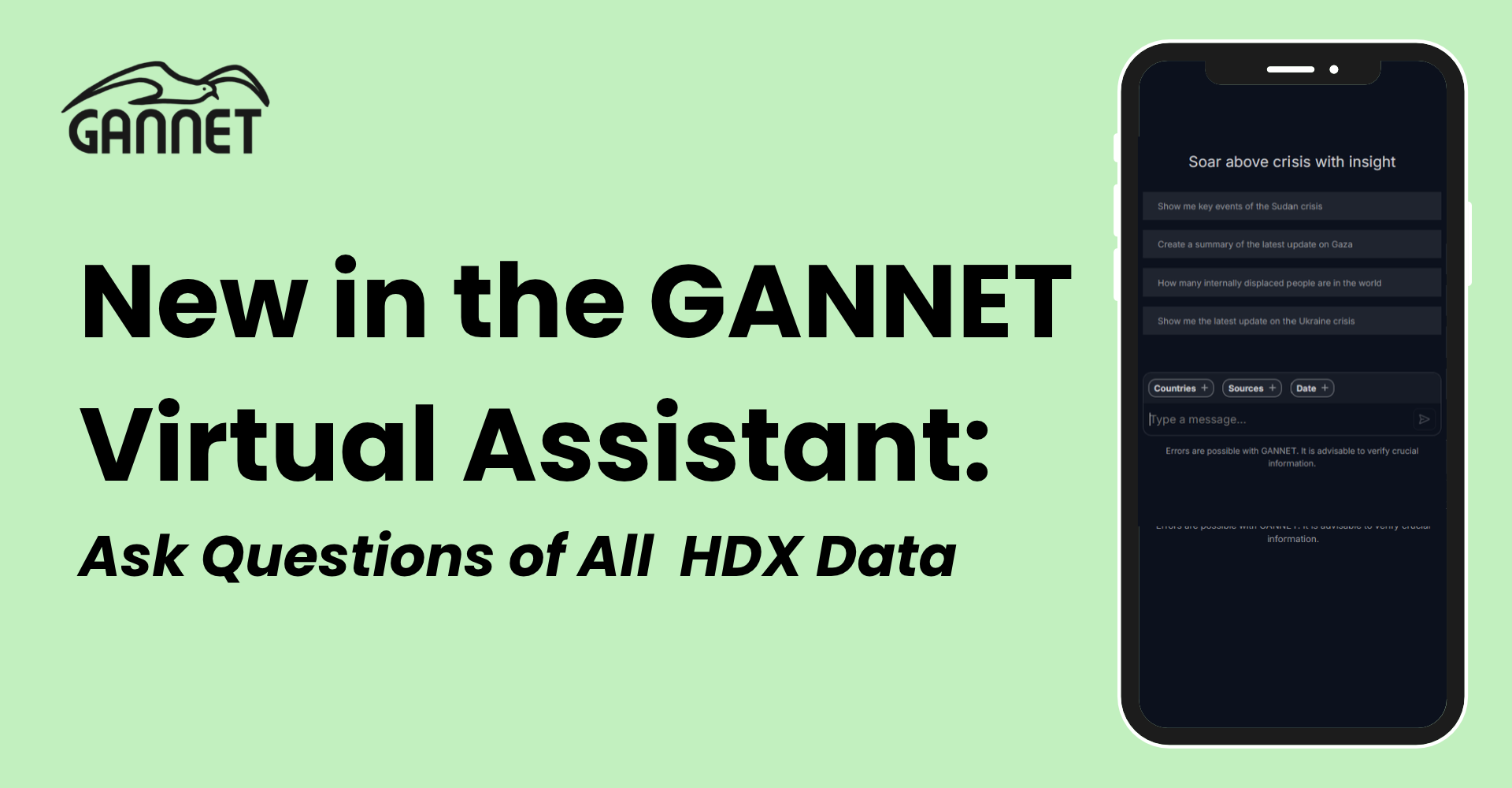
The GANNET Virtual Assistant can now search and calculate across about 65,000 HDX data tables, in plain language, with new datasets available daily.
Answering a cross-cutting humanitarian question with open data usually starts the same way. You find datasets on the Humanitarian Data Exchange (HDX), open them one by one, and discover that every file has its own columns, units, geographies, and layout. Then you spend the afternoon harmonizing spreadsheets before you can run a single comparison.
Today, Data Friendly Space is launching a new feature in the GANNET Virtual Assistant that does this work for you. Ask a question in your own words, and the Virtual Assistant’s quantitative agent finds the right HDX tables, does the calculations, and shows its sources.
HDX is the home of open humanitarian data and is an open data-sharing platform managed by the United Nations Office for the Coordination of Humanitarian Affairs (OCHA). Hundreds of organizations share their data there, from population figures to food security and funding. That breadth is what makes it valuable, and also what makes it hard to query. HDX is a library of files, not a database.
Part of HDX is already available in a consistent form. HDX HAPI normalizes a curated set of indicators, derived from multiple HDX datasets, into a single API. It is an excellent resource, but by design it covers only part of what's published.
The usual way to close that gap is to map every dataset to a common schema. We don't think that scales. The data is too varied, and every new dataset would mean more manual mapping. With this update, GANNET reads across all of HDX for you.
For you, it's three steps:
Underneath, we made one design choice that shapes everything else: we don't normalize the data; we query it as published. Each table is stored as a Parquet file, exactly as it came from HDX. The Virtual Assistant reads a table's columns at question time and writes the SQL that your specific question needs. No common schema means nothing to maintain by hand when new datasets appear.
Two components make this work.
An ingest that makes HDX queryable. A batch process converts HDX's CSV and Excel files to Parquet. For every table, it also writes a short description combining the dataset title, organization, column names, countries, period, and tags. Those descriptions are embedded into a searchable index, so searches work by meaning rather than exact keywords: a search for "cholera cases" also finds tables about "acute watery diarrhea". Countries and years are stored as filters. The index records where each table's Parquet files live, so a search result can be opened and queried immediately.
An SQL agent that answers over it. When you ask a question, the Virtual Assistant:
Those counts differ because a dataset can contain several files, and each tab in an Excel file counts as its own table. Of the 64,503 tables, 44,733 come from single files and 19,770 from Excel sheets. That averages almost five tables per dataset.
Coverage is currently CSV and Excel (XLS and XLSX), including zipped files, from non-archived datasets. A small share of files are unreachable or corrupted, so they couldn't be converted correctly.
Daily updates are incremental: the refresh re-downloads only files that changed, and the index is only rewritten when a file or its description changes.
A general-purpose chatbot can find HDX pages through web search, but it has no index of the numbers inside the files. Someone has to find, download, and upload the right files. Without the underlying data, figures can end up recalled or estimated from training data.
The Virtual Assistant works differently, in three ways:
The Virtual Assistant doesn't run one query; it works in a loop. It looks at the tables it has, writes a query, reads the result, and decides what to do next.
Open the Virtual Assistant, enable the deep-dive toggle, and ask your first question about HDX data. A good test would normally cost you an afternoon of downloading and cleaning spreadsheets: a question that spans several topics, countries, or sources. Then open the cited datasets and check the numbers yourself.
Next on our list: more file types, and connecting this capability to other AI tools through an MCP server.
Try it at app.gannet.ai
We'd love to hear what works, what doesn't, and which questions you'd like it to handle next!


